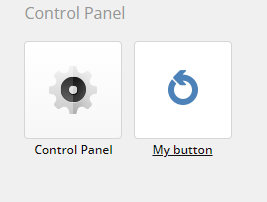
A neat way to execute or show some custom functionalities is to create a custom button for the Sitecore Dashboard/Launchpad (whatever you call it, I say Dashboard).
This is very simple and you can easily make the button either for example
a) open an aspx
b) show custom views
c) make an API request to one of your controller actions
Step 1
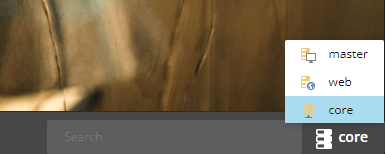
Switch to Core database by going to the Desktop view and in the lower right corner switch database. (Or enter the querystring &sc_content=core)
Then enter the Content Editor
Step 2
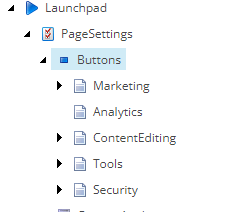
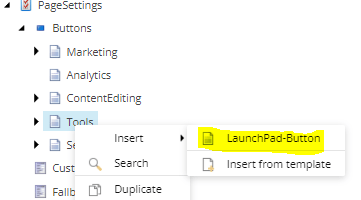
Locate /sitecore/client/Applications/Launchpad/PageSettings/Buttons and you will find the sections corresponding to the Dashboard/Launchpad
Step 3
Choose what section you want to put your button in and right-click the item (Tools = Control Panel) and add a new Launchpad-button
Step 4
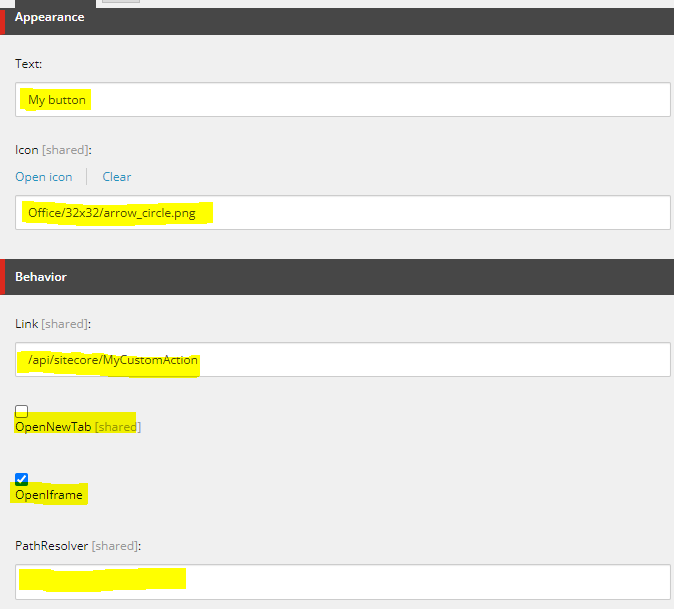
Fill in the button as you want.
Text: The text for the button on the Dashboard/Launchpad
Icon: Icon for the button
Link: You can link directly to a Sitecore Item or a controller action within the sitecore api as i’ve done. (or your own api)
OpenNewTab: Clicking the button opens it in a new tab.
OpenIframe: Clicking the buttons opens an iframe.
PathResolver: Namespace and dll name
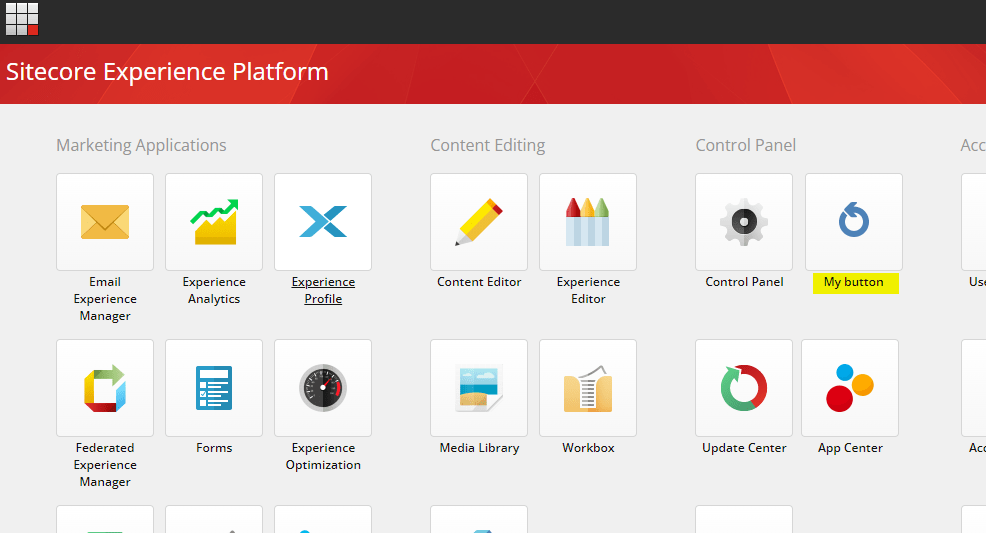
That’s it. It should now show up on the Dashboard/Launchpad