This year we got to meet up in Málaga, Spain, for this years SUGCON, Sitecore User Group Conference. It was an amazing event, just like every year. Thank you to the people involved in making it a reality and to the sponsors.
So I just wanted to highlight some of the key takeaways I got from this year’s SUGCON. To be fair, I could obviously not attend all the sessions, so this post is from the experience I had with the talks I had the chance to go to.
1. Sitecore
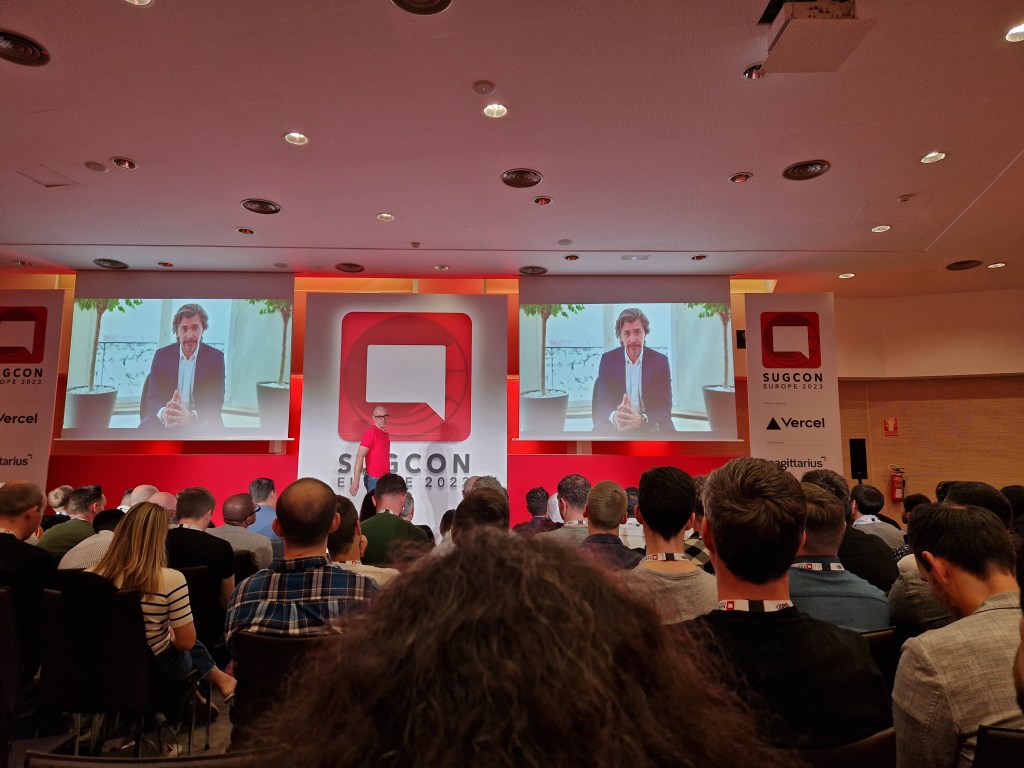
We kicked off the conference with the introduction of Sitecore CEO Steve Tzikakis and CPO Dave O’Flanagan, where they talked about the past year and what Sitecore has produced and what they envision going forward. As always, it’s inspiring to hear them talk about the evolving world that is Sitecore and how they’re pushing forward as a leader in the market. They have shown that in the last couple of years. I have great faith in the future of Sitecore.
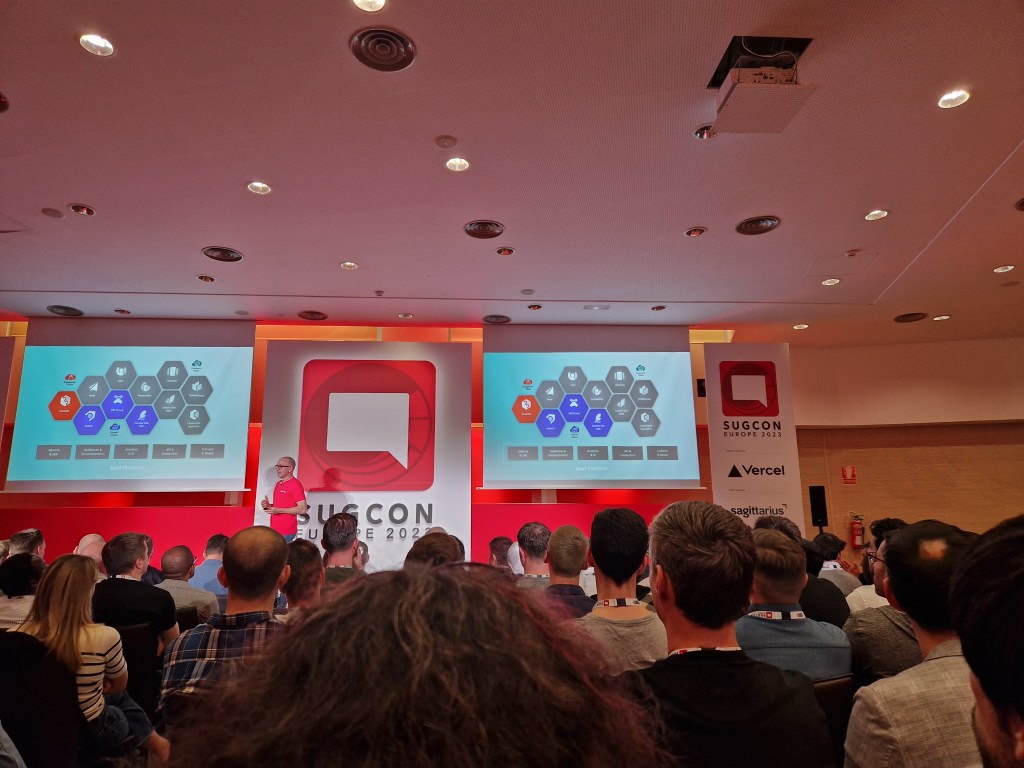
Last SUGCON we heard about a handful of new Sitecore Products and this year we got presented with a dozen! This is massive and shows that Sitecore is a leader with the composable future we have ahead of us. There are so many strong Sitecore products and in a world where clients can choose what products they need at the right time, it is a game changer. This was talked about at last year’s SUGCON also, but now you can see how much work Sitecore has put in over the last year.
There are now over a thousand connectors for Sitecore Connect.
2. XM Cloud
XM Cloud! It even had its own track to keep up with all the sessions this year. There were a lot of presentations about XM Cloud, and for good reason. Sitecore is telling us more than ever that it’s time to move into the cloud when it comes to Sitecore solutions. A lot of customers are still on XP on-premises solutions, and Sitecore is giving us all the help and tools we need to migrate over. We also heard a lot of cases of how partners have tackled this migration process and what’s worth thinking about.
3. Headless
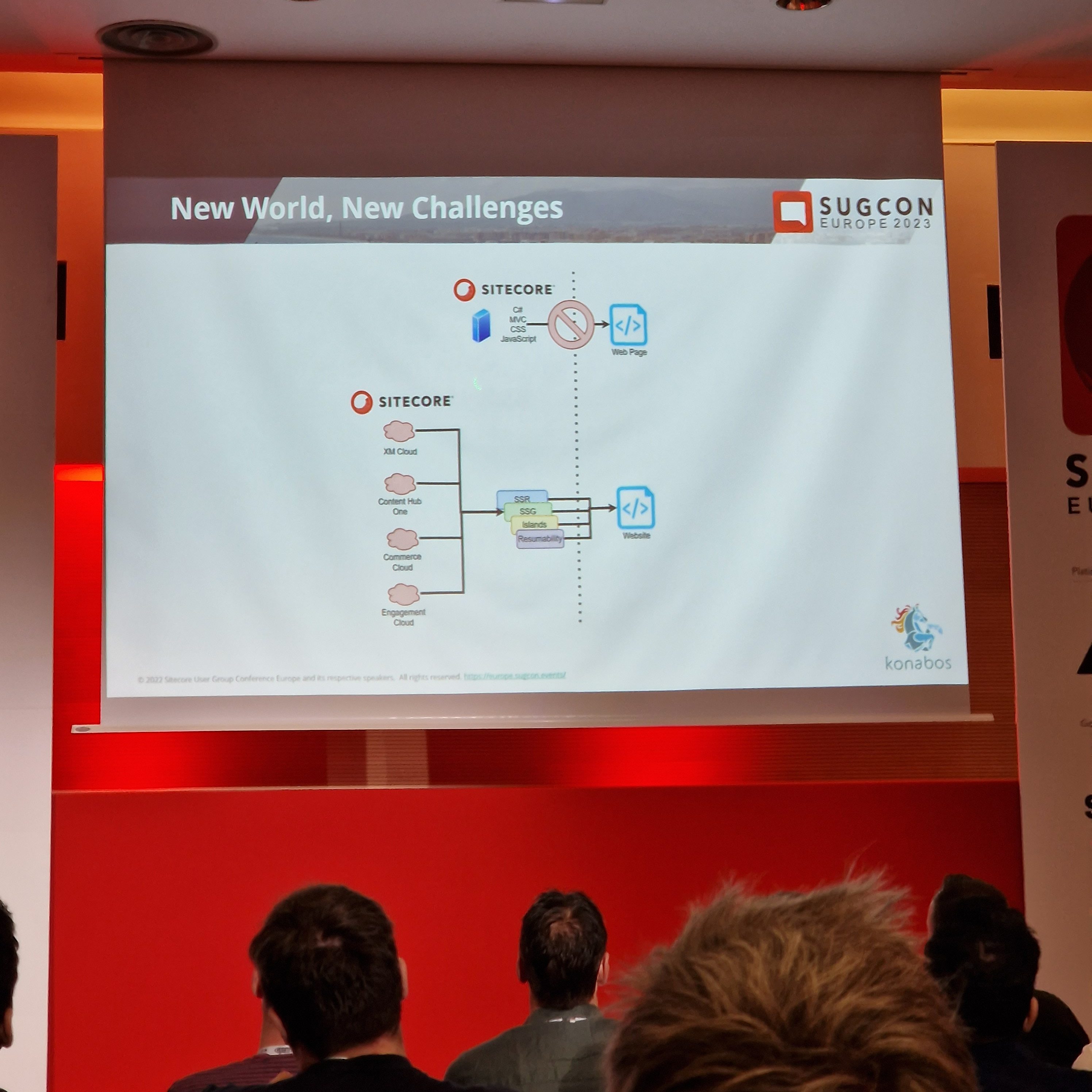
Sitecore is composable, and with that, everything is headless. With headless JSS, we got examples of going with .NET Core or Next.js. Customers who want to stay ahead of their competition need to start going headless and composable before they are left in the dust with .NET MVC and all monoliths.
Mike Edwards gave us a very interesting presentation on “Headless rendering 101” where he went over how to render your headless solutions. For example, the difference between SSR (Server Side Rendering), SSG (Static Site Generation), SPA (Single Page Application), what frameworks you could use with each and how the process of requests is made. He talked about page hydration and how there are different ways of doing that, like Progressive Hydration & Island Architecture.
4. Contenthub ONE
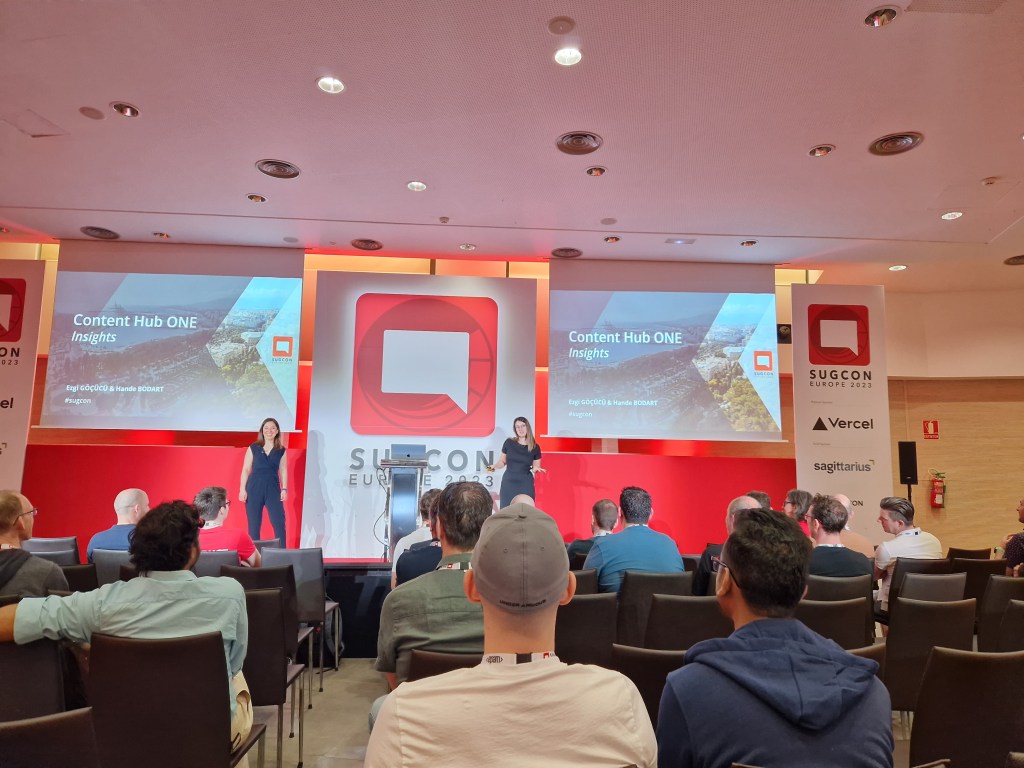
We saw presentations on Contenthub ONE. Sitecores new lightweight headless CMS perfect for Omnichannel.
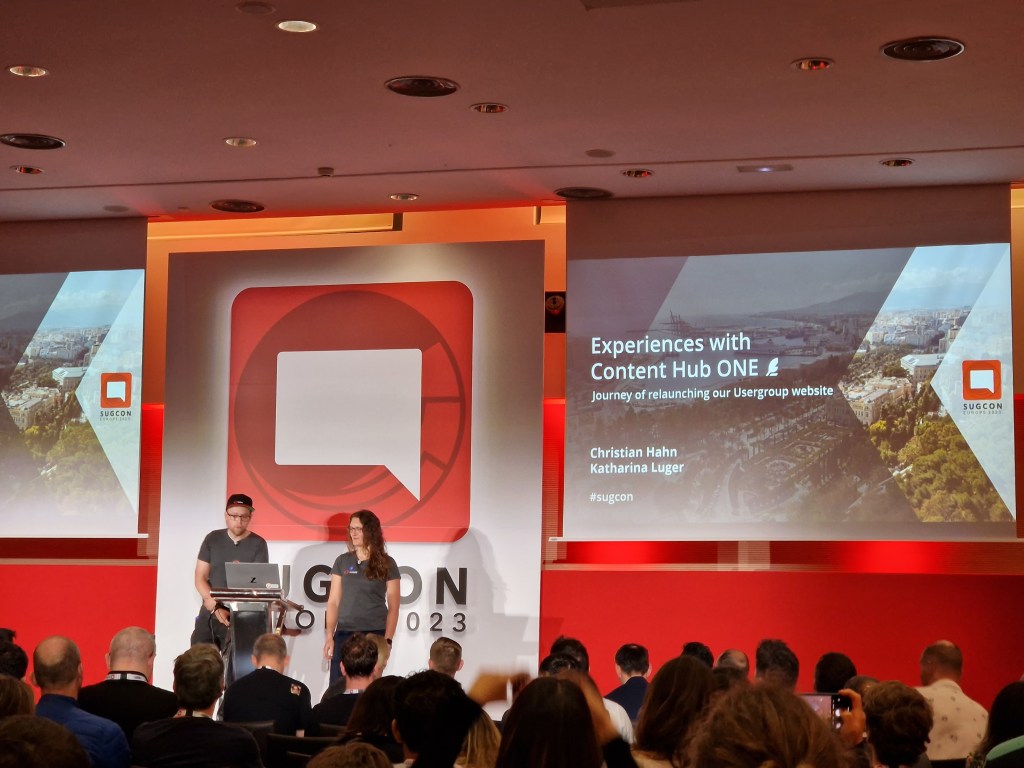
We heard from the Sitecore team and also SUGDE presenting how they redid their old website to use Contenthub ONE and what they learned.
Check it out here https://www.sitecore-usergroup.de/
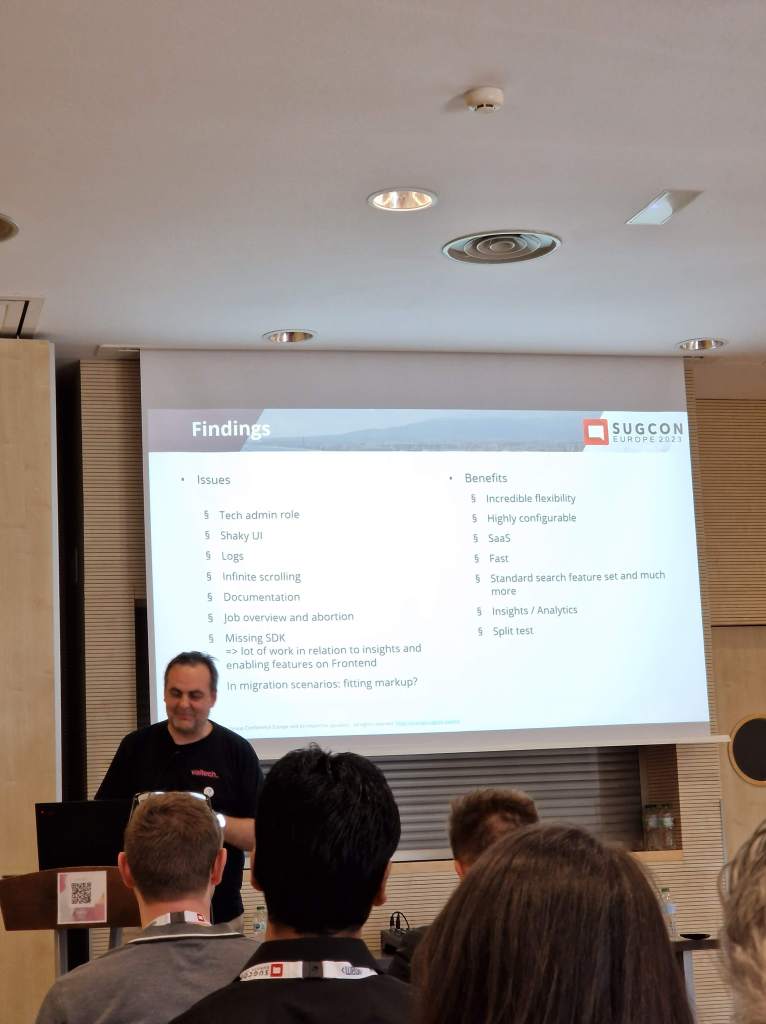
Contenthub ONE is a fast and lightweight headless CMS where you can serve content through GraphQL to your frontend. There is a modern CLI and UI interface. You can setup security roles that provide different interface experiences based on your role. I think this will be a great addition to the lineup in Sitecore products.
You can read more about ContentHub ONE here: https://www.sitecore.com/products/content-hub-one
5. Sitecore Search
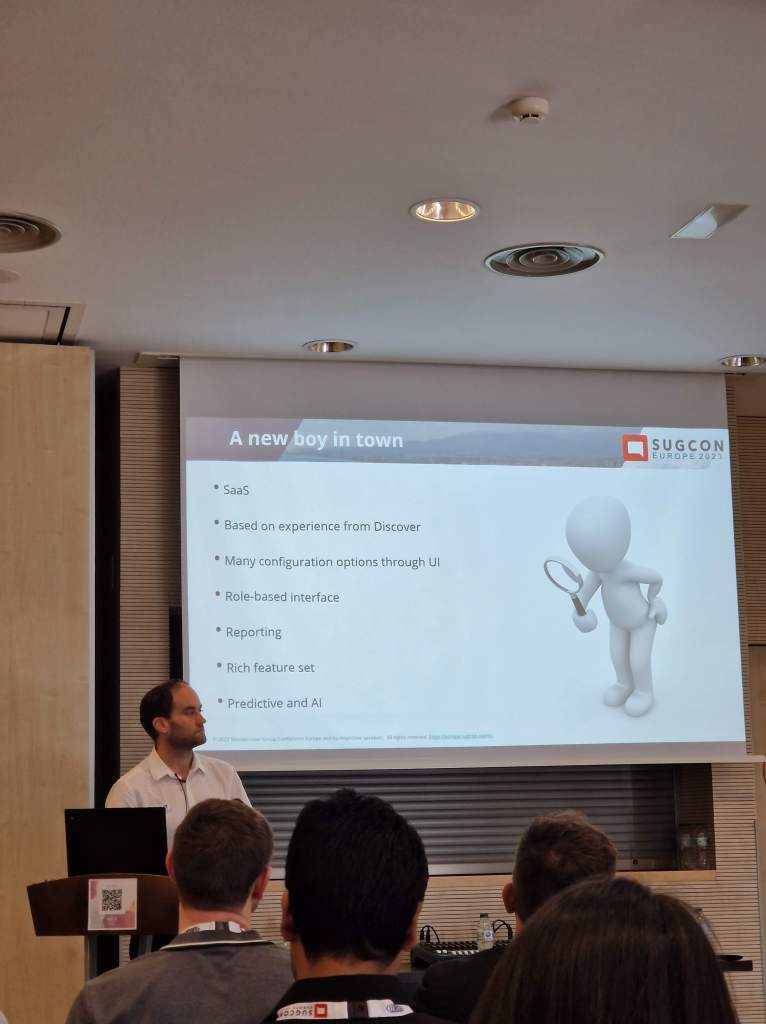
Sitecore Search is another new product that is super fast and predictive. It’s cloud, it’s headless, and it’s AI.
You can use Sitecore Search in tandem with CDP for an exceptional personalization experience, but you can also use it on its own, and you don’t require a Sitecore CMS to run it. It’s headless and serves content through APIs.
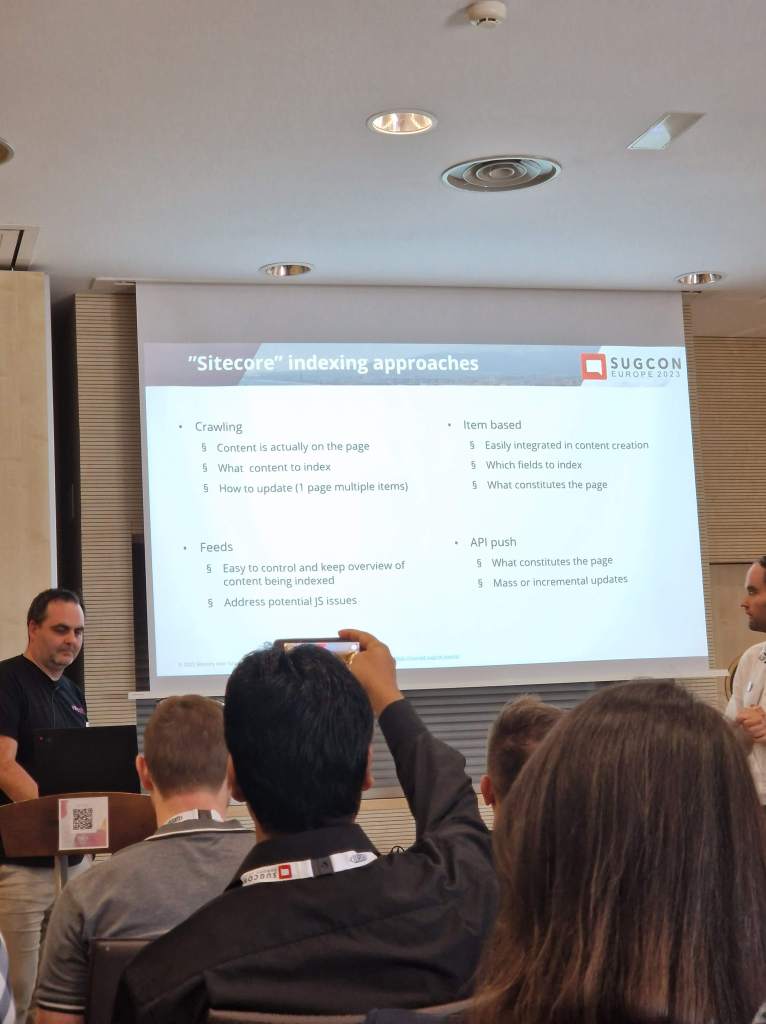
It has a consumption-based price and also depends on how much you index through pushing via API and crawling your site. I guess my only concern for now is not knowing the range of costs for typical clients.
There are no questions about the technology and usability of the product. I was impressed by the product and look forward to starting to use it.
To try it out go here: https://www.sitecore.com/search?utm_websource=products.search
To read more go to Sitecore: https://www.sitecore.com/products/search
6. OrderCloud
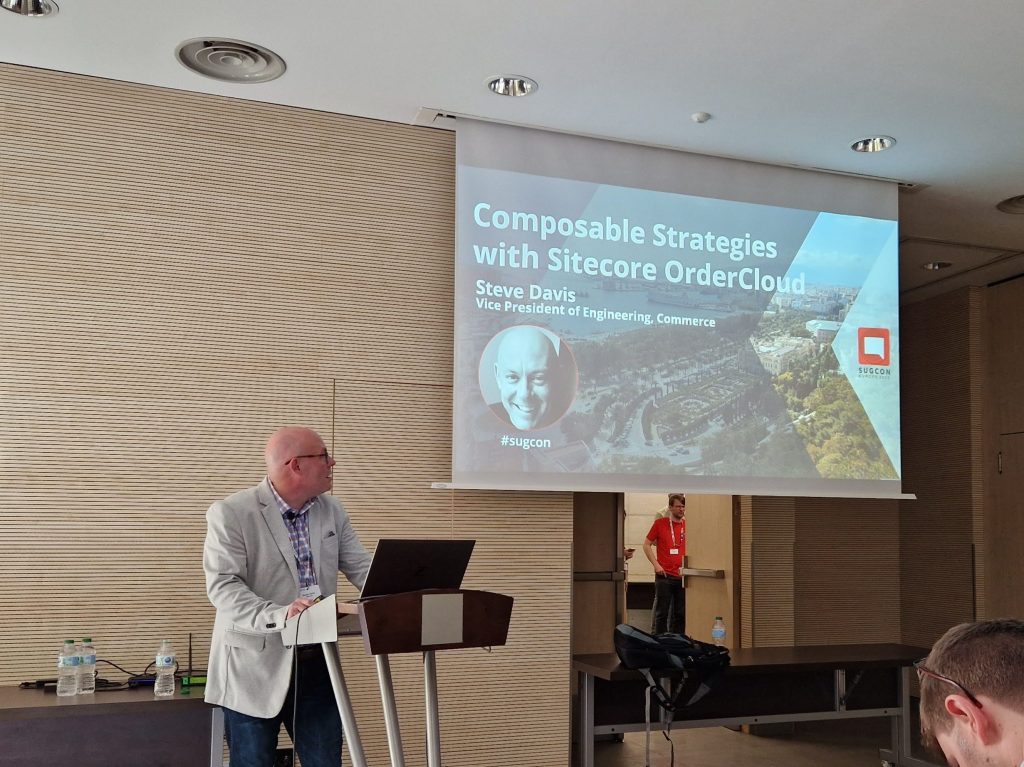
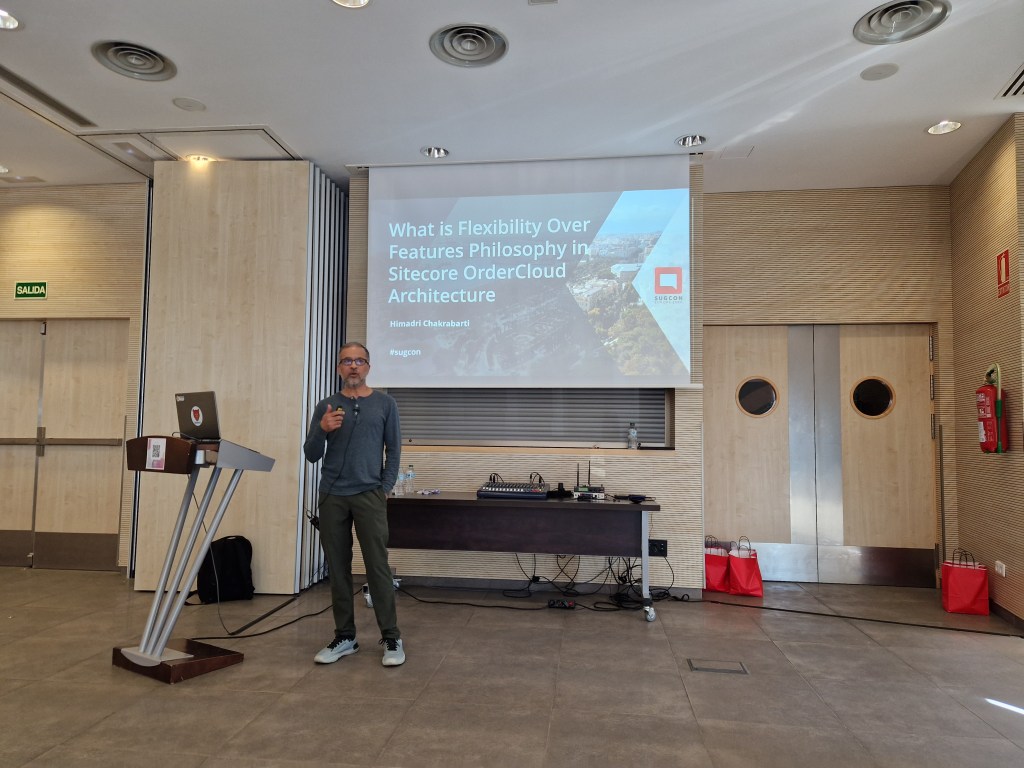
OrderCloud was something I was interested in learning more about, but there weren’t many sessions about it this year. We got two interesting talks from Steven Davis and Himadri Chakrabarti.
To summarize what I learned:
- API first – future proof your headless commerce platform
- Supports complex setups
- Seen more B2B and B2X clients in OrderCloud than B2C at the moment, probably because B2C customers generally don’t require as complex setups that OrderCloud can support. That doesn’t mean OrderCloud isn’t right for B2C.
- Since it’s API first it’s language agnostic and there are SDKs available which makes it developer friendly.
- With webhooks and integration events you can easily integrate OrderCloud to other external systems.
OrderCloud is:
- Product visiblity – what the customer can purchase
- Order distribution – capturing and fulfilling orders
- User segmentation – managing customers
OrderCloud is NOT:
- CRM
- Warehouse management system
- Tax calculator
- Solution for shipping, payments, personalization, email marketing, and frontend
Bonus
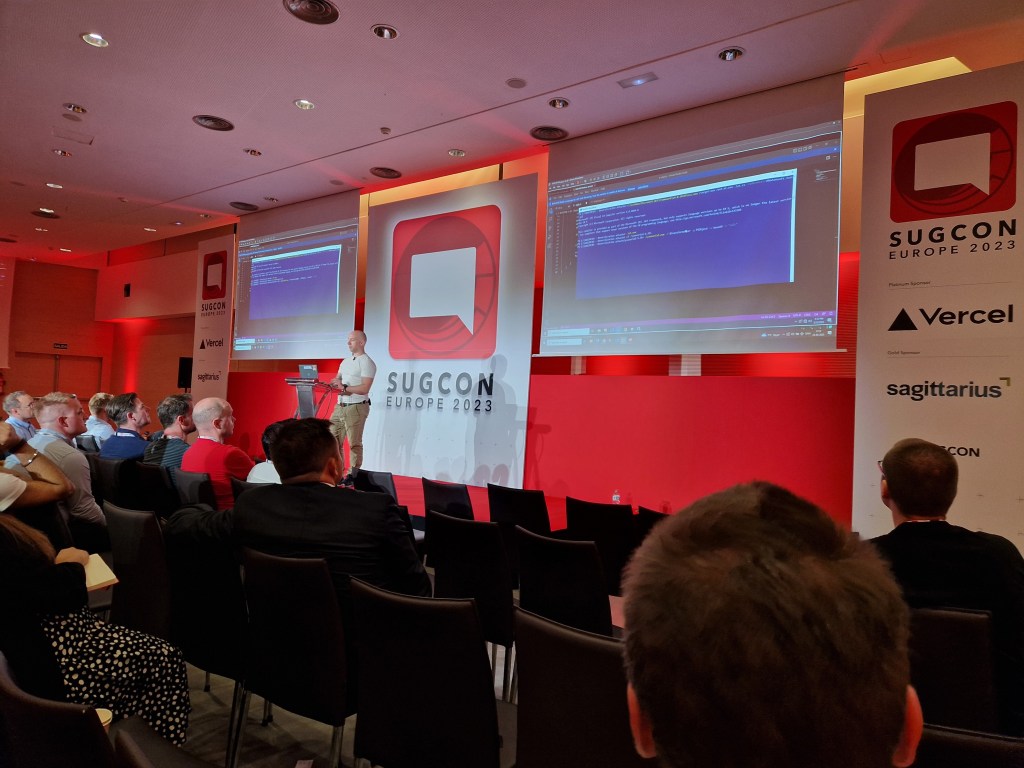
Pentia’s own Thomas Stern had a session where he “hacked Sitecore”. With a sense of humor and a great show of expertise at security, I think we all had a shiver down our spines that we should not take security lightly. And it’s a great case to upgrade your solutions to later versions!
 Sitecore Tackled