Search was not working and when I went to the Solr admin page it said “Connection lost”. The exact reason for why this happened in the first place i’m still investigating. But to fix the error first was to reset the Solr instance and recycle the App pool of the site.
You can do this by command line or from services window and locate your Solr service, right click -> restart.
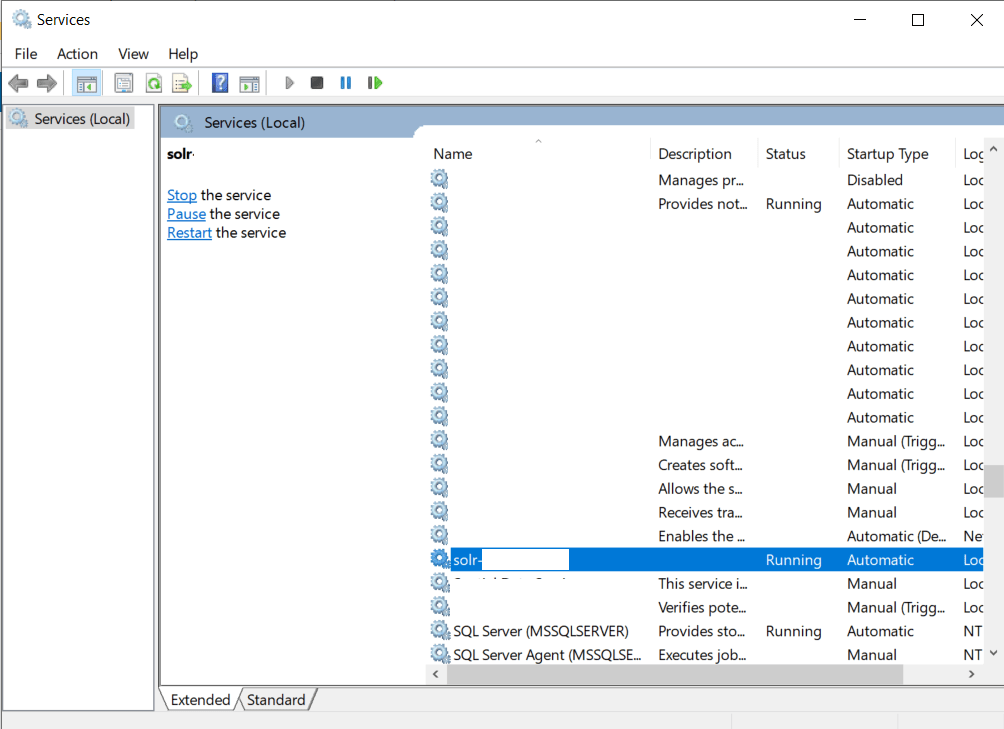
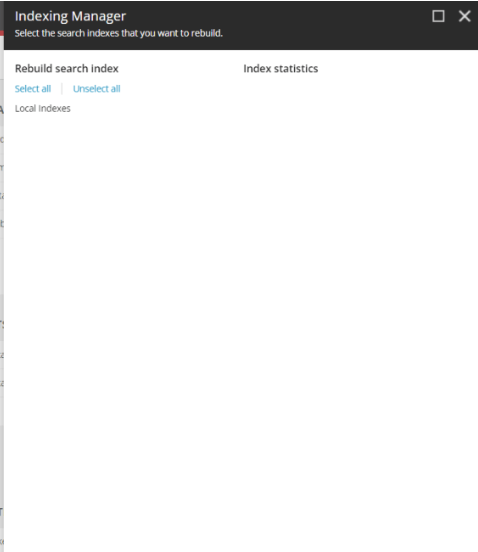
After this I confirmed my Solr was spinning correctly by visiting the admin page again, but it still didn’t work. I looked up the indexing manager in Sitecore configuration from the dashboard. This showed empty. No indexes.
Still confused, I found this post on StackExchange with the below answer:
- Make sure your Sitecore configured properly for SOLR within \App_Config\Sitecore\ContentSearch
- Check your connectionstrings for SOLR is configured properly or not
- Access SOLR admin (with browser, make sure it’s https) to check whether it’s on or not
- If it’s on, check again if your configured index matches with SOLR Core Admin
- If everything’s ok, can try to recycle app pool for your site and wait a few minutes Check again from the control panel
The last point worked for me, I recycled the app pool and things started working properly again.
Hopefully this helps if you get similar problems.

