
Heard of InfluxDB before and what is it used for?
“InfluxDB is an open-source time series database (TSDB) developed by the company InfluxData. It is written for storage and retrieval of time series data in fields such as operations monitoring, application metrics, Internet of Things sensor data, and real-time analytics.”
– Wiki
So it’s a perfect tool to save a bunch of data and use in fancy graphs or diagrams (or excel…). I for one love this.
So how can we use this with Sitecore?
In this first part i’ll show how we can monitor our Sitecore’s Solr instance and use the graph dashboard built-in for InfluxDB. In a later part I will show how we can query or write to influxDB for data and present it in Sitecore.
I’m using this as an example to hopefully inspire some ideas of your own.
In InfluxDB there are lots of plugins you can install to monitor your Solr, MongoDb etc. I’m going to show how you can easily setup and monitor your Solr instance with InfluxDB.
But the options are endless, you could save the data and present whatever data you want in fancy graphs. For example, you want to collect Sitecore editor data on item events by hooking up to the events pipeline. Or make diagrams of graphs when visitors hit your 404-page.
1. Install InfluxDB
I’m using the Windows Open Source version. Follow the installation guide here.
You need to run the influxd.exe and go to your http://localhost:8086/ (the default port) and there you can set up your organisation, bucket, and user in the interface.
- Bucket: Think of this like a database. It’s not really but just to get an idea.
- Organisation: This is your identifier for you influx application
- Measurement: Think of this like a table.
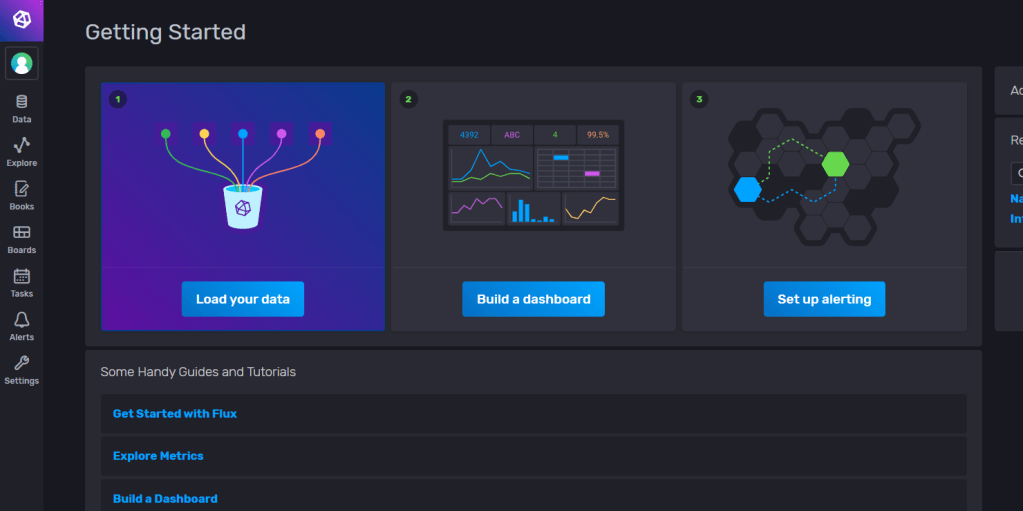
Here is some glossary for InfluxDB https://docs.influxdata.com/influxdb/v2.2/reference/glossary/
2. Install Telegraf
Telegraf is an open source plugin-driven server agent for collecting and reporting metrics. It enables flexible parsing and serializing for a variety of data formats (such as JSON, CSV) and can serialize the data in InfluxDB. It enables some +300 plugins that you can use with InfluxDB.
Go to
https://docs.influxdata.com/telegraf/v1.23/install/?t=Windows and download the latest version of telegraf. Follow the installation guide.
3. Setup Telegraf config & Solr Plugin
Go to where you downloaded telegraf and open the telegraf.conf
Start up your influxdb and go to the dashboard, from there go to “Data -> Telegraf -> InfluxDb Output Plugin“.
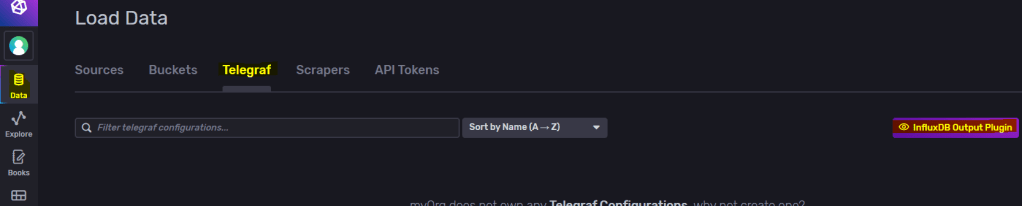
Copy to clipboard and replace this section in your telegraf.conf file to match your influxDB setup. Generate Token if needed or use your existing one.
Find # [[inputs.solr]] in telegraf.conf and uncomment so your section looks more like this and save.
# # Read stats from one or more Solr servers or cores
 [[inputs.solr]]
#   ## specify a list of one or more Solr servers
   servers = ["http://localhost:8983"]
#
#   ## specify a list of one or more Solr cores (default - all)
   cores = ["main"]
#
#   ## Optional HTTP Basic Auth Credentials
   username = "username"
   password = "pa$$word"
And set the servers, cores and credentials so it matches your solr instance.
As the documentation shows, if you’re installing on windows it needs to be installed as a service.
.\telegraf.exe –service install –config “\telegraf-1.23.0\telegraf.conf”
.\telegraf.exe –service start
You can test your connection with:
.\telegraf.exe –config “<yourPath>\telegraf-1.23.0\telegraf.conf” –test
4. Setup Dashboard in influxDB
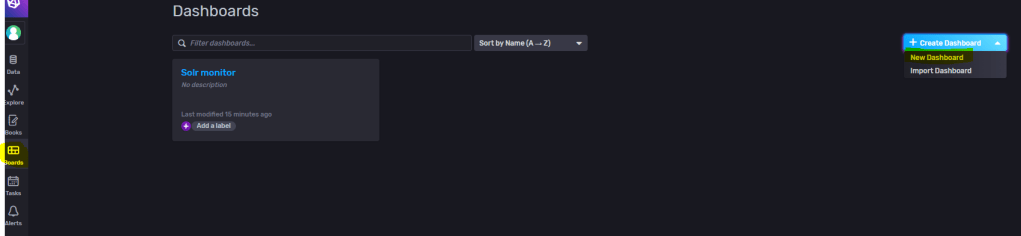
Go to Dashboards and create a new Dashboard. Name it then add a cell.
Here I’m adding a query to the “lookups” field on my selected core. Then press top right to save it.
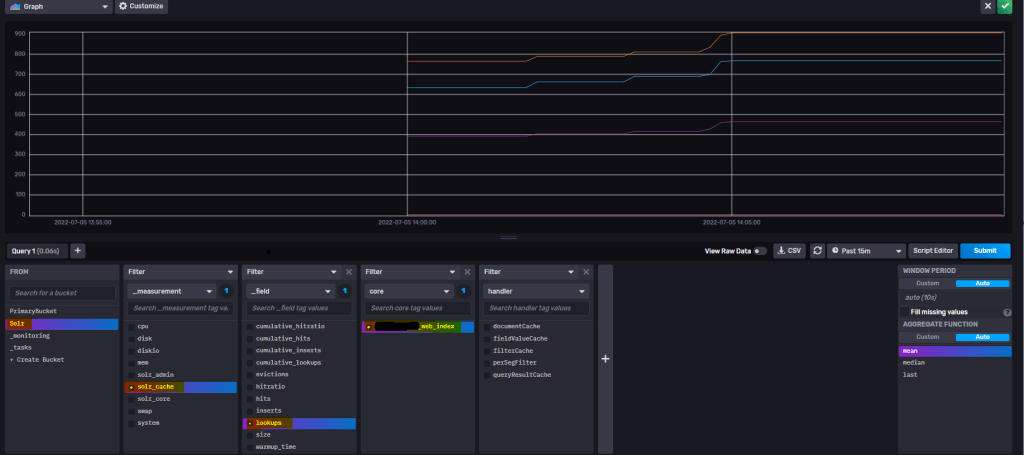
You can set the cell names also.
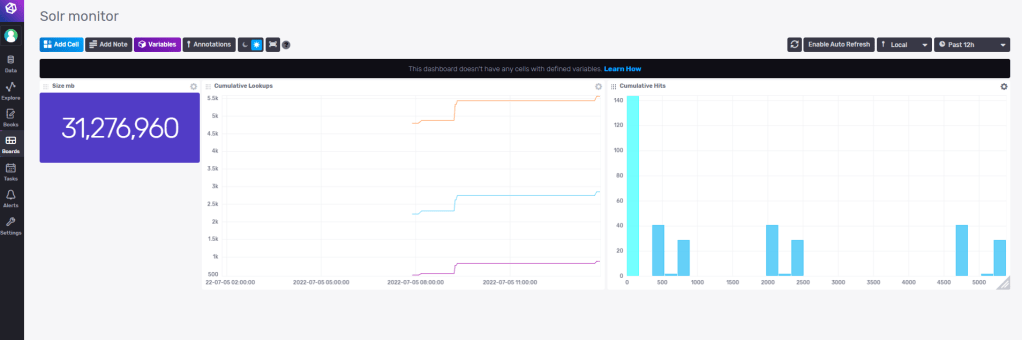
So with some experimenting I’ve now setup some monitoring for my Solr instance with some simple cells. When you get more knowledge how to work with influxDB you can build and merge cells with different queries to present more valuable data. You could also open up InfluxDB to other users on your server now or setup alerts etc.
Other sources of information
Templates Here you can find community made templates for influxDB like
- monitoring your Redis Server
- view data for your MongoDB
- monitoring your docker containers
- and many more. Check it out!
Hopefully you found this information useful and inspiring.
Stay tuned for Part 2 where I’ll get into some more in-depth how to write and query to influxDB for Sitecore related data.
 Sitecore Tackled
One thought on “Using InfluxDB for monitoring Sitecore’s Solr PART 1”